
RajataSilver jewellery store · Online shopLive demo ↗Start with this theme
Jewellery & gifts · Online shop
Bloom: flower studio website theme
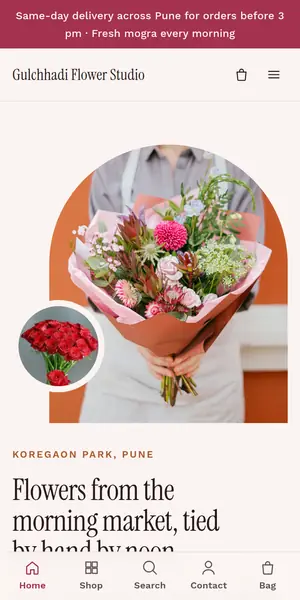
Bloom is a light UpMinutes theme for a flower studio, with a bag and checkout that take UPI, cards and cash on delivery. GST invoices, shipping and WhatsApp order updates are built in, and the live demo shows it as Gulchhadi Flower Studio.
Included on Growth and Pro · 14 days free · No card needed
Who Bloom is for
Bloom suits a flower studio and other jewellery & gifts businesses that want to sell online with a bag and checkout. It shows three products per row on computers and two on phones, which suits a catalogue of any size.
The demo is a made-up business, Gulchhadi Flower Studio, whose homepage opens with “Flowers from the morning market, tied by hand by noon”. Its menu reads Bouquets, Gajra, Weddings, Orchids, Our studio, Contact, with collections such as Bouquets, Gajra and garlands, Orchids and vases.
Sample products in the demo
- 24 red roses, hand-tied · Ooty roses · water-sealed ₹1,650
- Peach roses and lilies · 18 stems · black wrap ₹1,850
- Mogra veni, double string · Fresh jasmine · 2 ft · morning pick ₹220
- Wedding varmala pair · Marigold, roses, shevanti ₹4,800
- White orchid in ceramic · Phalaenopsis · two spikes ₹2,950
- Pink cymbidium in glass · Cymbidium · grasses · ribbed vase ₹3,600
Design
- Arched photo frame hero
- Minimal cards that let photos lead
- Three per row on computers, two on phones: suits any catalogue size
- Logo centred over the menu
- Light design
- Rounded corners
- Sentence-case menus and labels
- Instrument Serif headings with Work Sans text
Background
#FBF4F1Cards
#FFFAF8Text
#2A1B1FSoft text
#6C585CLines
#EEDFDAAccent
#A3324FOn accent
#FFF5F5Highlight
#B85E34Band
#33242AOn band
#F7E6E4
#FBF4F1Cards
#FFFAF8Text
#2A1B1FSoft text
#6C585CLines
#EEDFDAAccent
#A3324FOn accent
#FFF5F5Highlight
#B85E34Band
#33242AOn band
#F7E6E4
Everything every theme includes
Checkout and payments
- UPI, cards and net banking through your own Razorpay
- Cash on delivery, with a limit if you want one
- Coupons, buy X get Y, spend-more-save-more and free gifts
- Delivery zones by PIN code, state or distance, with a “Check delivery” box
Sell more
- A bag that slides out after “Add”, with progress to free delivery
- Quick view from product cards
- “Email me when it’s back” on sold-out items
- Newsletter box and popup, with a welcome coupon
Show your products
- Up to three options per product (size, colour…) with a photo each
- Colour swatches and size buttons, sold-out choices crossed out
- Size guides beside the options
- Swipeable phone gallery and a second photo on hover
Help shoppers find things
- Search results as they type
- Filters by price, size, colour, rating and stock, with sorting
- Collections, breadcrumbs and a phone tab bar
Shopper accounts
- Sign-in with an email code, no password to forget
- Order history with Buy again, and invoices to download
- Wishlist that works before signing in
- Live order tracking and returns from the order page
Speed, search and trust
- Built to load fast on phones: no page builders, no plugins
- Redirects from your old website’s addresses keep your Google rankings
- SEO and AI search (ChatGPT, Gemini, Perplexity) set up for you
- Text colours checked for readability (WCAG AA)
Questions about Bloom
Is the Bloom theme free?
Bloom comes with the Growth (₹999 a month) and Pro plans, including GST; there is no separate theme fee. Every plan starts with a 14-day free trial, without a card.
Can I use Bloom for my flower studio?
Yes. Bloom was designed for a flower studio (jewellery & gifts). Your own name, logo, photos, products and prices replace the demo's, and the menu (Bouquets, Gajra, Weddings, Orchids…) can be renamed.
How do customers order or pay in Bloom?
Bag and checkout with UPI, cards and cash on delivery. Online payments go through your own Razorpay account (UPI, credit and debit cards, EMI, net banking), cash on delivery can be turned on, and a GST invoice is made for every order.
Can I change the colours and fonts of Bloom?
Yes. Bloom uses Instrument Serif for headings and Work Sans for text; on the Pro plan you can set your own brand colour, fonts and button shape on top of it, and preview the result with your own products before publishing.
Does Bloom work on phones?
Yes. It is built for phones first, with a bottom tab bar, a swipeable gallery and a checkout sized for thumbs, and it loads fast: no page builders, no plugins.
Can I switch from Bloom to another theme later?
Yes, any time from your dashboard. Your products, orders, pages and customers stay as they are; only the design changes.
Similar themes
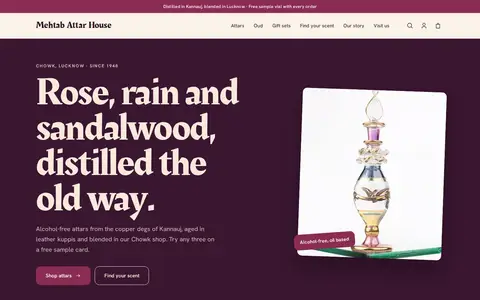
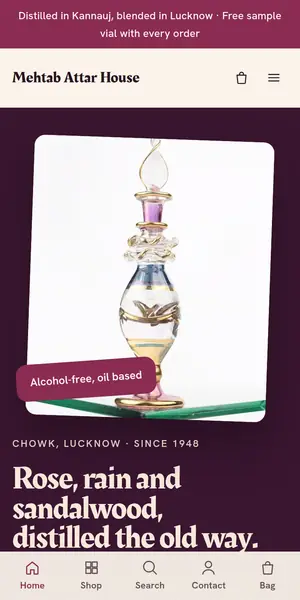
AttarAttar and perfume house · Online shopLive demo ↗Start with this theme
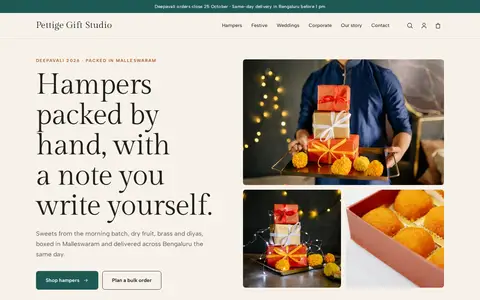
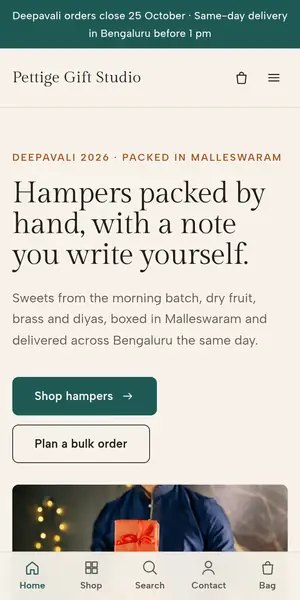
KoshaGift hamper studio · Online shopLive demo ↗Start with this theme
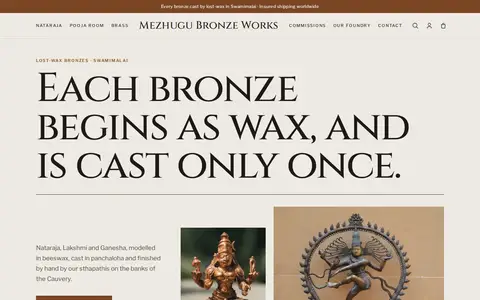
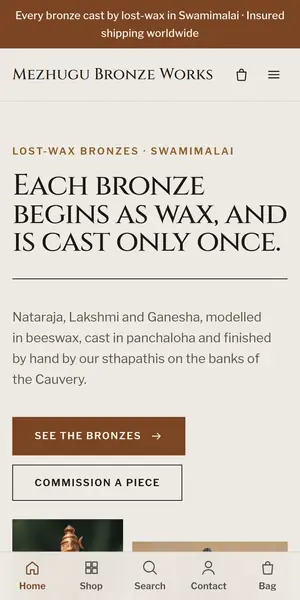
PanchalohaBronze foundry and shop · Online shopLive demo ↗Start with this theme
Start your flower studio with Bloom.
Free for 14 days. No card needed. Switch themes any time.