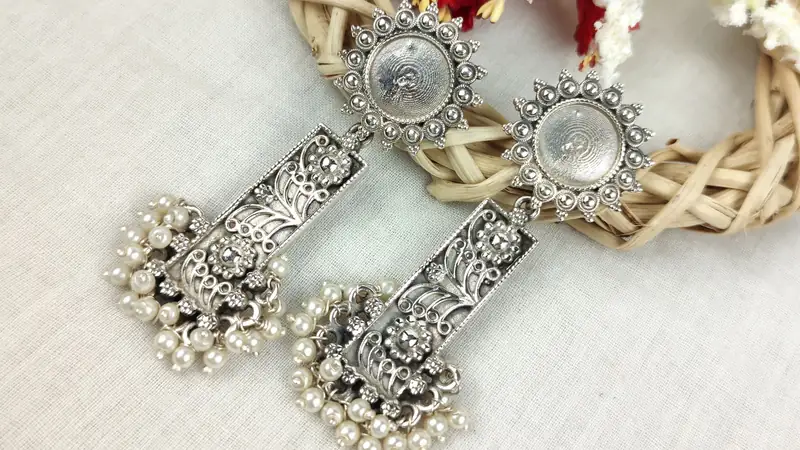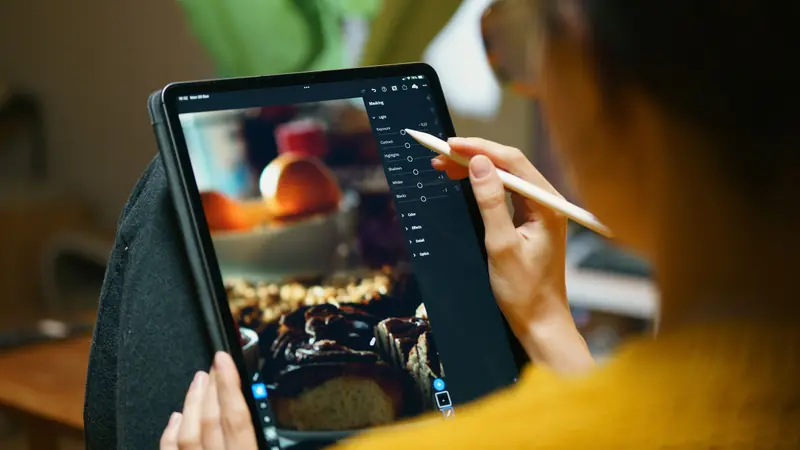
Quick answer
Use flat lays for a clean, consistent catalogue at low cost, a mannequin to show shape and drape, and a model to show fit and how a garment moves. Most small fashion stores mix them: a flat lay or mannequin hero shot, an on-body shot, then close-ups of fabric, work and labels, in soft daylight with true colour.
Each approach to photographing clothes has a job. Flat lays give a clean, consistent catalogue at almost no cost. A mannequin shows shape and drape without needing a person. A model, even a friend or family member, shows fit, length and how a garment moves, which is what buyers worry about most. Most small fashion stores mix them: one clean hero shot, at least one on-body shot, and close-ups of fabric, embroidery and details, all in soft daylight with colours that match the real thing.
This guide compares the three, then covers set-up, lighting, styling and the shot list that cuts returns.
How do flat lay, mannequin and model shots compare?
| Flat lay | Mannequin | Model | |
|---|---|---|---|
| Cost | Lowest | One-time mannequin cost | Time, or a fee for a model |
| Shows fit | Poorly | Partly | Best |
| Shows drape and fall | No | Yes | Yes, with movement |
| Consistency across catalogue | Very easy | Easy | Harder |
| Best for | Kidswear, T-shirts, accessories, sets with dupatta and footwear | Kurtas, dresses, blouses, jackets | Sarees, lehengas, fitted wear, anything where fit sells |
How do you shoot a good flat lay?
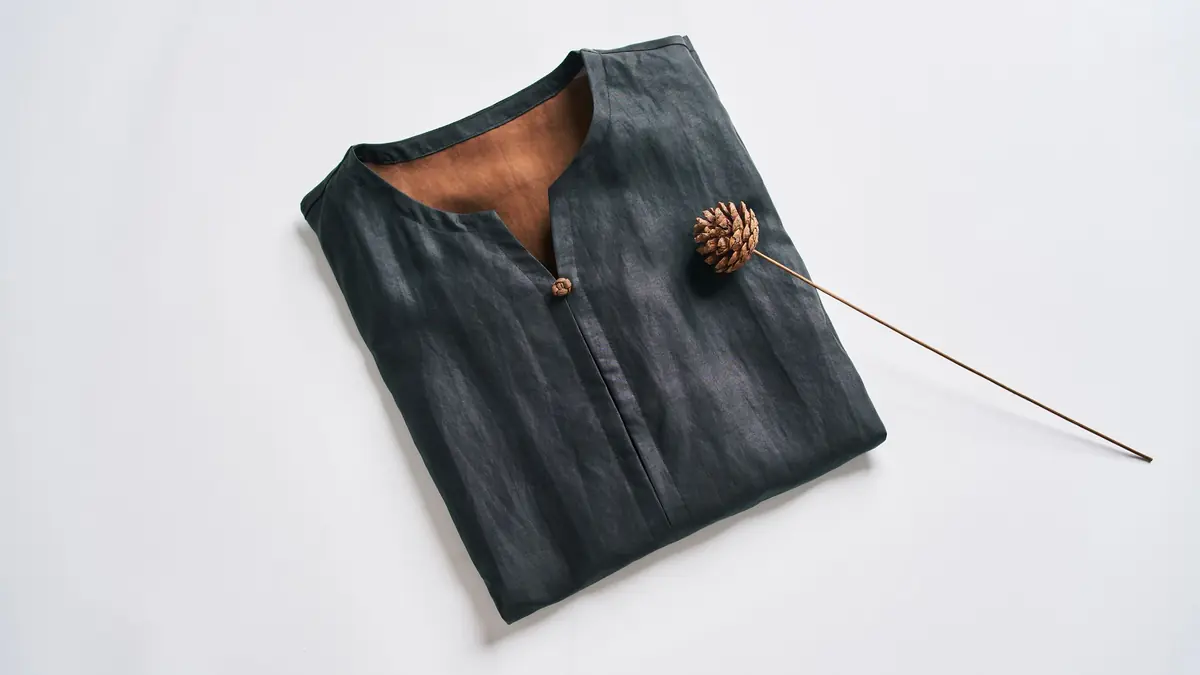
A flat lay is a top-down photo of the garment laid on a flat surface.
- Background: a white bedsheet, a large sheet of white or grey card, or a plain wooden floor. Keep it the same for every product.
- Prepare the garment: iron or steam it, remove threads and tags, and shape it: sleeves angled slightly, waist gently pinched, collar neat.
- Add body: tissue paper inside the garment gives a little volume so it does not look like a sheet of cloth.
- Shoot from directly above: stand on a sturdy stool and hold the phone parallel to the floor, or use an overhead tripod arm.
- Style lightly: a kurta set with folded dupatta and juttis beside it tells a story; ten props distract.
How do you get the best from a mannequin?
A dress form or half mannequin shows the shape of a kurta or blouse far better than a flat lay.
- Choose a neutral colour (white, grey or skin-tone) that does not compete with the garment.
- Pin the back to fit the form snugly, out of sight of the camera.
- Shoot at chest height, not from above, so proportions look natural.
- Use the same position and distance for every product, marked on the floor with tape.
- For a "ghost mannequin" look, photograph the garment on the form and the inside back separately, then combine them in an editing app. It takes practice; a plain form is fine to start.
When is a model worth it?
For sarees, lehengas and fitted clothes, buyers want to see how it looks on a body: how the pallu falls, where a kurta ends on the leg, how a blouse fits at the shoulder. Even one on-model shot per product helps. Practical tips:
- A friend or family member is fine. Note their height and the size they are wearing on the product page: "Model is 5'4" and wears size M."
- Shoot full-length and three-quarter, plus a walking or turning shot to show movement.
- Keep make-up and jewellery simple so the garment stays the focus.
- Get written permission to use the photos on your store and social media.
What lighting works best at home?
Daylight from a large window is the best free light for clothes. Shoot mid-morning or afternoon, with the window to one side. Avoid direct sun, which makes harsh shadows and blows out light colours; a thin white curtain softens it. Hold a white card or thermocol sheet on the opposite side to fill shadows. Turn off room lights, because mixing yellow bulbs with daylight gives strange colours.
How do you show true fabric colour?
Colour mismatches are one of the main reasons for clothing returns. To keep colours honest:
- Shoot in daylight and set white balance on a white sheet or card.
- Avoid beauty filters and strong saturation boosts.
- Compare the photo on your phone with the real garment in daylight before uploading.
- Name colours plainly ("bottle green", "mustard yellow") and add a note if the colour shifts in different light.
- For multi-colour prints, add a close-up so each colour is clear.
Which shots should every clothing product have?
- Hero shot: flat lay, mannequin or model, front.
- Back view.
- On-body shot, if possible, with model's height and size.
- Close-up of fabric texture.
- Close-up of embroidery, print, buttons or border.
- Detail of neckline, sleeves or hem.
- For sets: all pieces together, laid out.
- A short video, if you can, showing movement.
Pair the photos with a size chart. UpMinutes includes size guide starters for sarees and blouses, kurtas and shirts, footwear and kids by age; see size guides that reduce returns.
How do you keep a catalogue consistent?
A store where every photo has a different background, angle and brightness looks untidy, even if each photo is good. Write down your set-up once (background, distance, height, time of day) and repeat it. Crop every image the same way. If you add products over months, shoot new ones in the same spot and light.
UpMinutes converts your uploads to WebP in three sizes automatically, so photos stay sharp without slowing the store on phones. With colour swatches or size buttons switched on, each colour option can show its own photo. Read our general product photos with a phone guide for camera settings, and AI photo editing for products for background clean-up tools, used carefully so colours stay true.
How do you photograph sarees and dupattas?
Sarees are long, layered and hard to show in one frame, so plan a set of shots. Start with a full drape on a model or a full-length mannequin, showing the pleats and how the pallu falls over the shoulder. Add a shot of the pallu spread open, a close-up of the border, a close-up of the body weave or print, and the blouse piece laid flat. For handloom and silk, a slightly angled close-up in side light shows texture and sheen better than a straight-on shot. Note the length and whether a blouse piece is included. Our guide to selling sarees online covers descriptions and care notes.
Should you edit or replace backgrounds?
Light edits are fine: straightening, cropping, a small brightness lift, removing a stray thread. Background removal tools can give a clean white look, but check edges around fine fabric and dupattas. Never edit the garment itself to look better than it is; that leads straight to returns and bad reviews.
A quick photo-day checklist
- Garments steamed, threads trimmed, tags removed.
- Background, tripod and white card set up near the window.
- Room lights off, lens wiped.
- Shot list printed for each product.
- Model's height and size noted.
- Colours checked against the real garment before upload.
Strong photos also make better Instagram Reels and ads. For more, browse the products and photos category.
Frequently asked questions
Do I need a professional camera to photograph clothes?
No. A recent phone in good daylight, a tripod and a plain background are enough for most small stores. Consistency matters more than the camera.
Is a flat lay enough for selling sarees?
A folded flat lay shows colour and border, but buyers also want to see the drape. Add at least one draped shot on a model or mannequin, plus close-ups of the pallu and border.
What background colour is best for clothing photos?
White or light grey suits most stores and keeps colours accurate. A consistent wooden or textured background can work if it suits your brand and does not clash with the clothes.
How many photos should each clothing product have?
Five to eight is a good range: front, back, on-body, fabric close-up and details. Add a video if you can.