Quick answer
Good product videos are short clips that answer the questions photos cannot: how fabric moves, how big something really is, how it works. Shoot vertical and horizontal versions with a steady phone in soft daylight, keep each clip 10 to 30 seconds, show the product in hand, add captions, and keep files small for mobile data.
A good product video is a short clip, usually 10 to 30 seconds, that answers a question a photo cannot: how a saree drapes and moves, how big a bag really is on a shoulder, how a gadget works, what a cream's texture looks like. You can shoot these with any recent phone. Keep the phone steady, use soft daylight, show the product in a hand or being used, and make one clear point per clip. Then use the same clips on your store, Instagram Reels and WhatsApp.
Why add video to your product pages?
Customers buying online cannot touch or try anything. Video comes closest. It helps most where photos fall short:
- Movement: fabric fall, a skirt's flare, a necklace catching light.
- Size and scale: a bag held at the side, a vase next to a hand.
- Texture: the weave of handloom, the finish of wood, the softness of a towel.
- How it works: assembling a stand, using a kitchen tool, a lamp's settings.
- Trust: a real person showing a real product says "this exists, and we know it well".
Video does not replace good photos; it adds to them. Start with our guide to product photos with a phone if your photos need work first.
What kinds of product videos work best?
| Video type | Length | Best for |
|---|---|---|
| 360-degree turn | 8 to 15 seconds | Pottery, shoes, bags, gadgets, décor |
| Texture close-up | 5 to 10 seconds | Fabrics, wood, skincare, food |
| Size in hand or worn | 10 to 20 seconds | Jewellery, bags, clothes, small items |
| How to use | 20 to 60 seconds | Kitchen tools, electronics, beauty |
| Unboxing | 15 to 30 seconds | Gift boxes, hampers, premium packaging |
| Styling or drape | 15 to 30 seconds | Sarees, dupattas, kurtas |
What equipment do you need?
- A phone with a clean lens. Most phones from the last few years shoot good video.
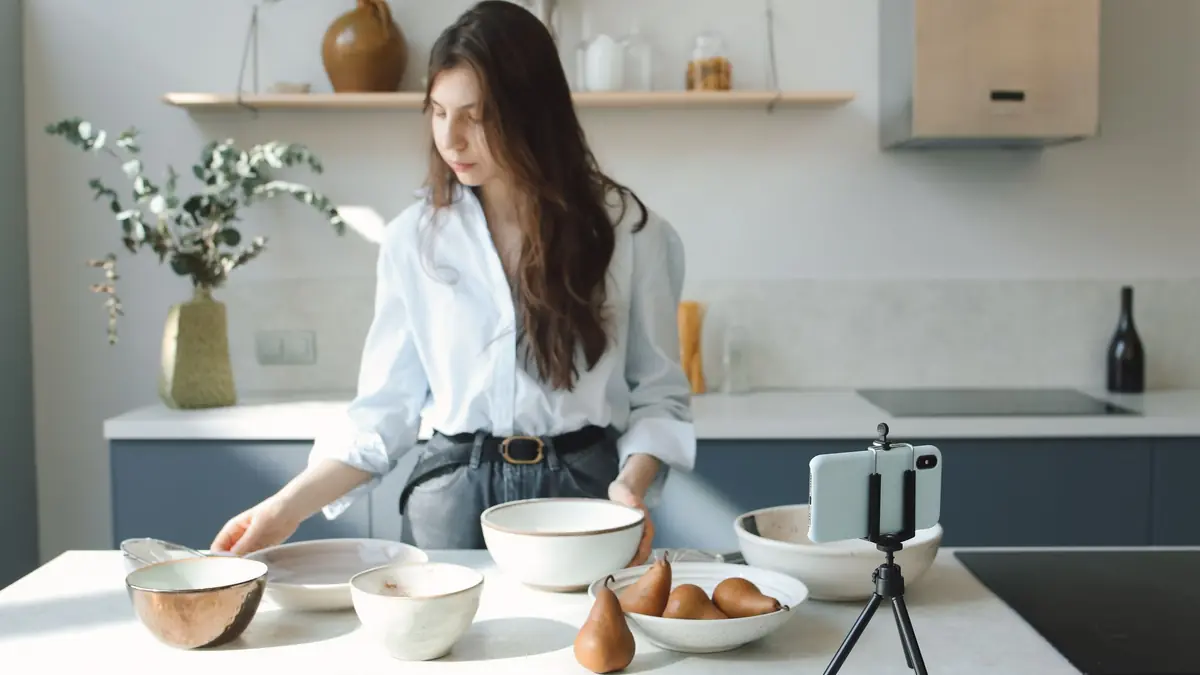
- A small tripod or phone stand. Shaky video looks careless.
- A turntable for 360-degree shots. A cheap rotating cake stand or lazy Susan works.
- Soft light: a window without direct sun, or a diffused lamp.
- A plain background: a wall, a sheet of chart paper, a plain cloth.
- Optional: a clip-on microphone, if you will speak on camera.
How do you shoot a product video with a phone, step by step?
- Decide the one question this clip answers. "How does this saree drape?" is a clip. "Everything about our saree" is not.
- Clean and prepare the product. Iron the fabric, wipe fingerprints, remove price tags.
- Set up by a window with the product facing the light.
- Fix the phone on a stand at the product's height.
- Lock focus and exposure. On most phones, tap and hold on the product until a lock appears. This stops the picture pulsing as things move.
- Shoot in 1080p at 30 frames per second. 4K files are much larger and rarely needed for product clips.
- Move slowly. Turn the turntable gently, or move your hand slowly. Fast moves blur.
- Record a few seconds extra at the start and end, to trim cleanly.
- Take three or four versions, then pick the best.
Vertical or horizontal?
Shoot vertical (9:16) for Reels, Stories, YouTube Shorts and WhatsApp status, where most viewers watch on phones. Shoot horizontal (16:9) or square for website product pages and YouTube. If you can only shoot once, shoot vertical and keep the product in the middle third, so it can be cropped to square.
Do you need to speak or add music?
Many viewers watch without sound, so make the video understandable silently. Add short on-screen captions: "Pure cotton, 6.3 m with blouse piece", "Fits a 14-inch laptop". If you speak, keep it natural and in the language your customers use; a Tamil or Hindi voice-over can feel more personal than polished English. For music on Instagram, use the platform's own licensed music library rather than adding a popular song yourself.
How do you edit and keep file sizes small?
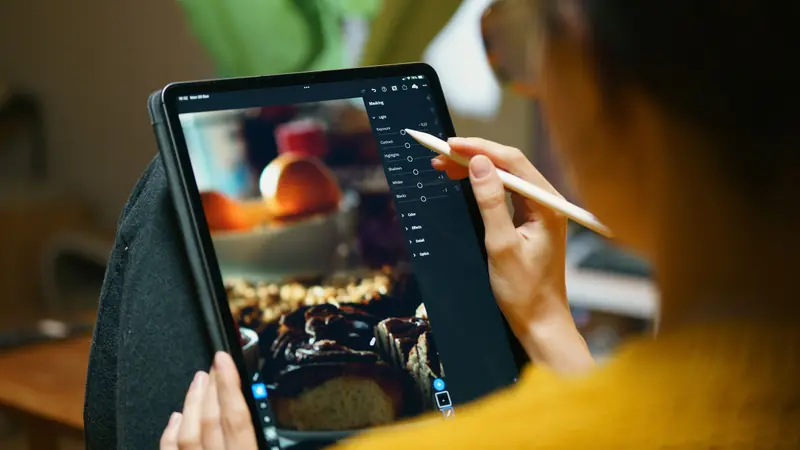
- Use your phone's built-in editor or a free editing app to trim the start and end.
- Keep only the best 10 to 30 seconds.
- Add captions and your logo lightly; do not cover the product.
- Export at 1080p. For WhatsApp, smaller still is fine.
- Check the clip on mobile data before sharing. If it takes long to load for you, it will for customers.
Page speed matters for sales, especially on budget phones. Hosting video on a platform like YouTube and linking or embedding it keeps your product pages light; our guide to store speed explains why.
Where should you use your product videos?
- Product pages: if your store platform lets you add a video link to a product page, add one clip per key product. Otherwise, link to it from the description.
- Instagram Reels and YouTube Shorts: one clip per post, with a clear first second. Our guide to Instagram Reels for product sellers covers hooks and posting.
- WhatsApp: status updates, and replies to "can you show me how it looks?" Keep a folder of ready clips. See selling on WhatsApp and Instagram.
- Email: a still from the video with a play button, linking to the clip.
- Ads: short product clips often make good starting creatives for small ad budgets; see Meta ads on a small budget.
What mistakes make product videos look amateur?
- Shaky handheld footage. Use a stand, or rest your elbows on a table.
- Mixed light. A warm bulb on one side and daylight on the other gives odd colours. Turn room lights off.
- Too long a start. If the first two seconds show nothing, viewers scroll on. Start with the product already in frame.
- Heavy filters. They change colours, which leads to "it looked different in the video" returns.
- Background clutter. Clear the table; anything in frame competes with the product.
- Trying to say everything. One clip, one point. Make another clip for the next point.
How often should you make product videos?
Batch them. Set aside one morning a week or a fortnight, set up the light and stand once, and shoot clips for five to ten products in a row. Name each file by product and clip type, such as "blue-ikat-saree-drape", so you can find it when a customer asks. Over a few months you build a library that covers your whole bestseller list, and new arrivals get a clip from day one.
Ideas by product type
- Sarees: a slow unfold, then the pallu and border close-up, then a draped shot.
- Jewellery: worn, with the head turning slowly to catch light.
- Food: pouring, breaking, steam rising; honest portion size.
- Skincare: texture on the back of the hand, the pump or dropper working.
- Home décor: the piece in a real room, then a 360-degree turn.
- Electronics: unboxing, then the one main feature, clearly.
Quick checklist
- One question per clip.
- Phone on a stand, focus and exposure locked.
- Soft daylight, plain background.
- Slow movement; 10 to 30 seconds.
- Captions that work without sound.
- Vertical for social, horizontal or square for the website.
- File checked on mobile data.
Frequently asked questions
How long should a product video be?
Most product clips work best at 10 to 30 seconds. How-to videos can run up to a minute if every second is useful.
Do I need a professional camera for product videos?
No. A recent phone, a stand and good window light are enough for clear product clips. Steadiness and light matter more than the camera.
Should I show my face in product videos?
It is not necessary, but hands and a real person using the product build trust. Many sellers show only hands, which keeps the focus on the product.
Can I use popular songs in my product videos?
Use music you have rights to, or the licensed music libraries inside Instagram and YouTube. Adding copyrighted songs yourself can get videos muted or removed.