Choosing a monitor for work and games
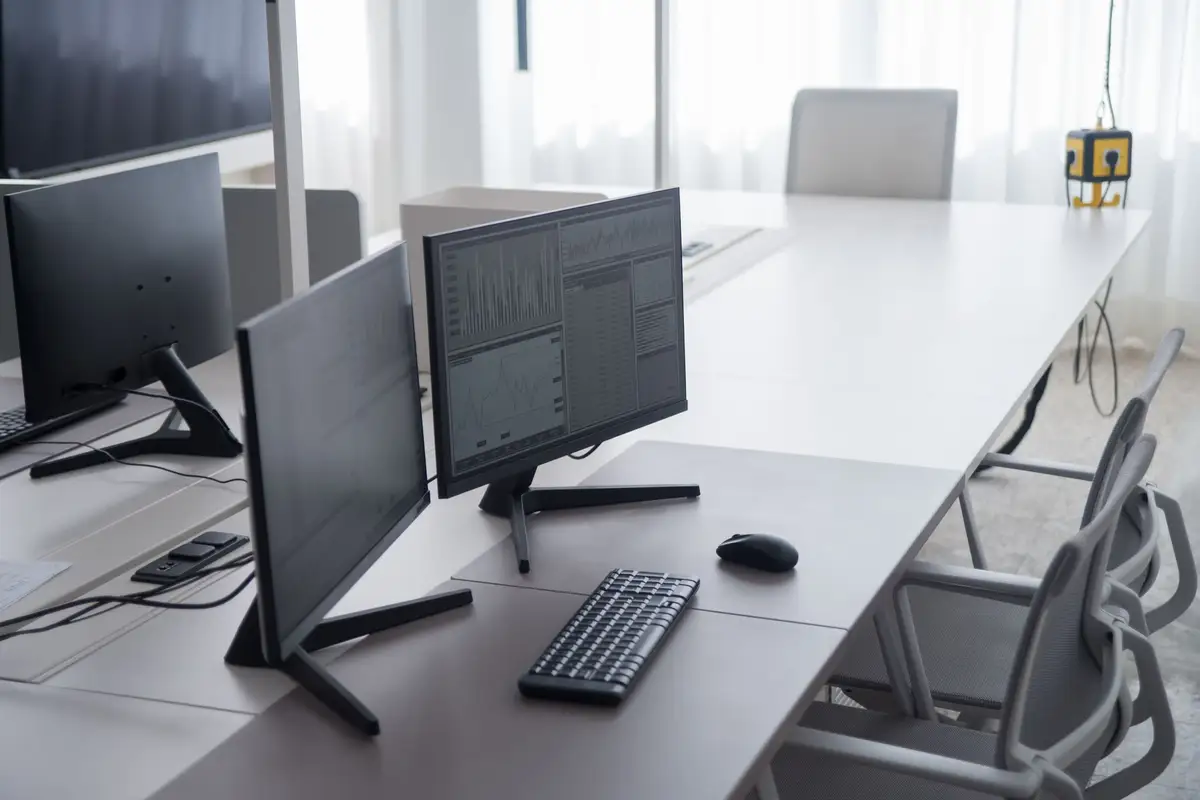
Size, resolution, refresh rate and panel type explained, with what we suggest at each budget.
Free OS install and data transfer with every laptop · Pickup from SP Road in 2 hours
41 SP Road, Chickpet, Bengaluru 560002
Mon–Sat · 10 am – 8 pm · Sun closed
More gigahertz, shutting down every night, leaving it charging: what is true and what is not.

Over twelve years on SP Road we have heard the same beliefs about computers again and again. Some were true once. Most are not now.
“A higher GHz number means a faster computer.” Not by itself. Processors from different years and families do different amounts of work per cycle, and the number of cores matters too. A new 3 GHz processor can be much faster than an old 3.8 GHz one. Compare real benchmarks for the work you do. “Leaving a laptop on charge ruins the battery.” Modern laptops stop charging when the battery is full, and many have a setting to stop at 80%, which helps it last longer. What does wear a battery is heat, so do not leave it charging under a pillow or on the bed.
“You must shut down every night.” Sleep mode uses very little power, and restarting once every few days is enough to clear updates and memory. Shut down if you will not use it for a couple of days. “More RAM will fix any slow laptop.” Sometimes it does. Often the real problem is an old hard disk, which an SSD fixes, or a dusty fan making the processor slow down. We check before we sell you anything.
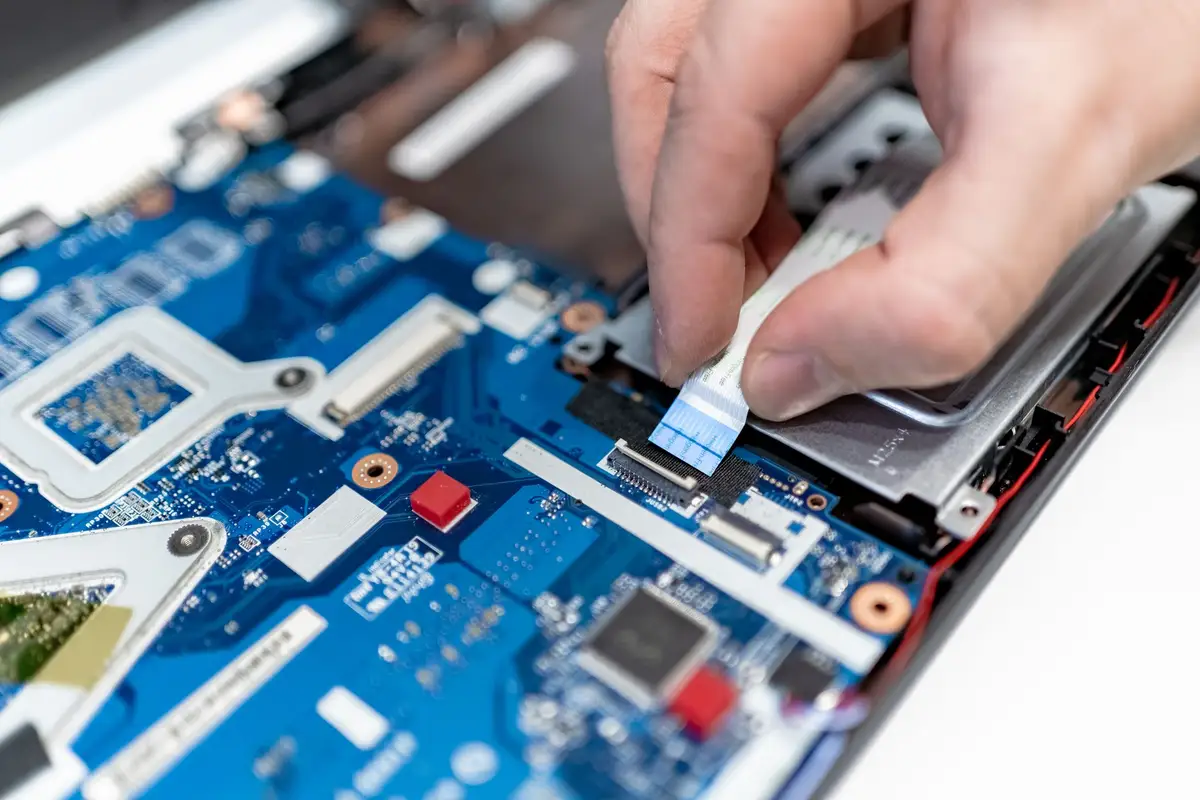
“Laptops do not need cleaning inside.” In Bengaluru, dust builds up inside a laptop’s fan in a year or two, especially near a road. A yearly clean keeps it cool and quiet.
Keep reading
Size, resolution, refresh rate and panel type explained, with what we suggest at each budget.
For most people in 2026, 16 GB is the comfortable floor; here is when 8 or 32 makes sense.
Most faulty parts fail in their first day of hard use; we would rather that day happened on our bench.