How much RAM do you really need
For most people in 2026, 16 GB is the comfortable floor; here is when 8 or 32 makes sense.
Free OS install and data transfer with every laptop · Pickup from SP Road in 2 hours
41 SP Road, Chickpet, Bengaluru 560002
Mon–Sat · 10 am – 8 pm · Sun closed
Size, resolution, refresh rate and panel type explained, with what we suggest at each budget.
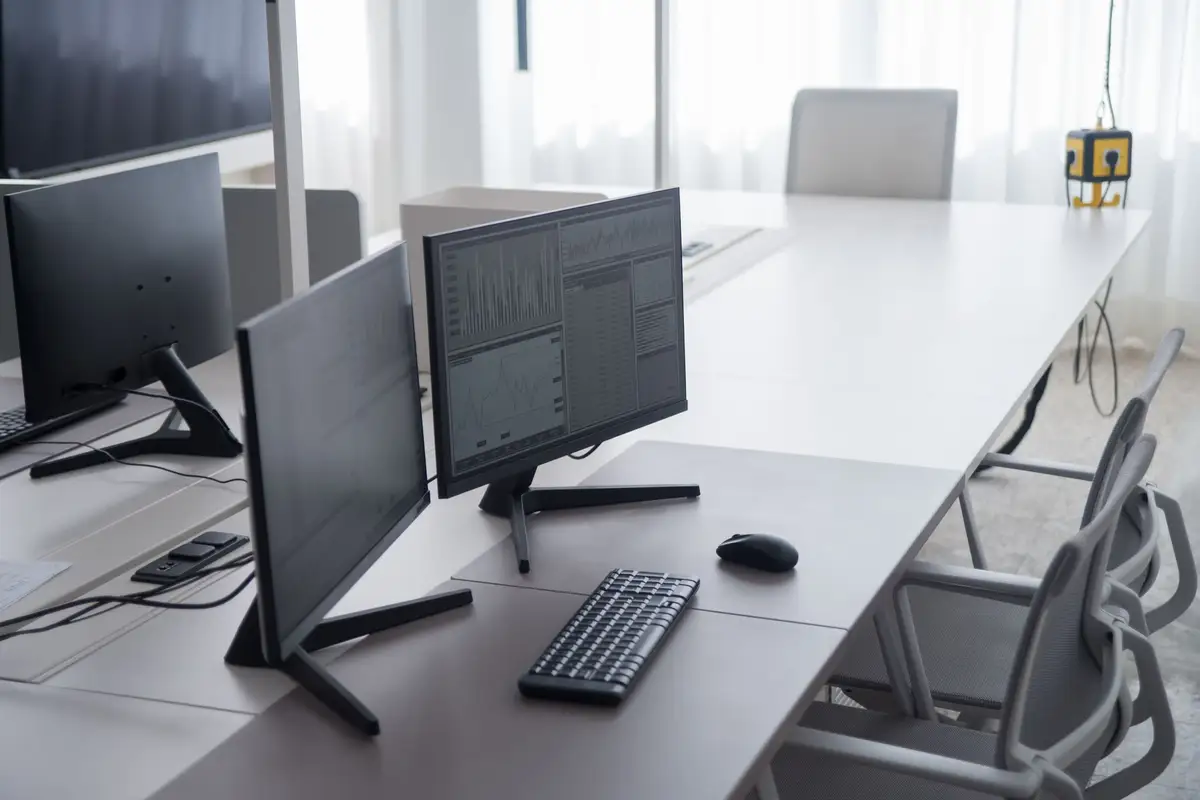
A good monitor changes how a computer feels more than almost any other upgrade, and it usually outlasts two or three computers. Here is how we help people choose.
Size and resolution go together. At 24 inches, a full HD 1080p screen looks sharp from a normal desk distance. At 27 inches, 1080p starts to look soft; QHD, or 1440p, is the better match, with more room for side-by-side windows. Our 27-inch QHD monitor at ₹21,990 is the one we recommend most for both office work and gaming. 4K at 27 or 32 inches suits photo and video editing but needs a more powerful graphics card for games.
Refresh rate matters for games. A standard 60 Hz monitor is fine for office work and films. For fast games, 144 or 165 Hz makes movement look smoother. Your graphics card has to produce that many frames to benefit, so match the monitor to the PC. Panel type affects colour and viewing angles. IPS panels give accurate colour and look the same from the side, which suits most people. VA panels have deeper blacks, good for films in a dark room. Avoid cheap panels with poor viewing angles if two people share the screen.
Finally, look at the stand. A height-adjustable stand lets you set the top of the screen at eye level, which is far kinder to your neck over an eight-hour day. If the monitor has a fixed stand, a ₹2,000 arm does the same job.
Keep reading
For most people in 2026, 16 GB is the comfortable floor; here is when 8 or 32 makes sense.
Most faulty parts fail in their first day of hard use; we would rather that day happened on our bench.
Dust, soft surfaces and old thermal paste are the usual culprits.