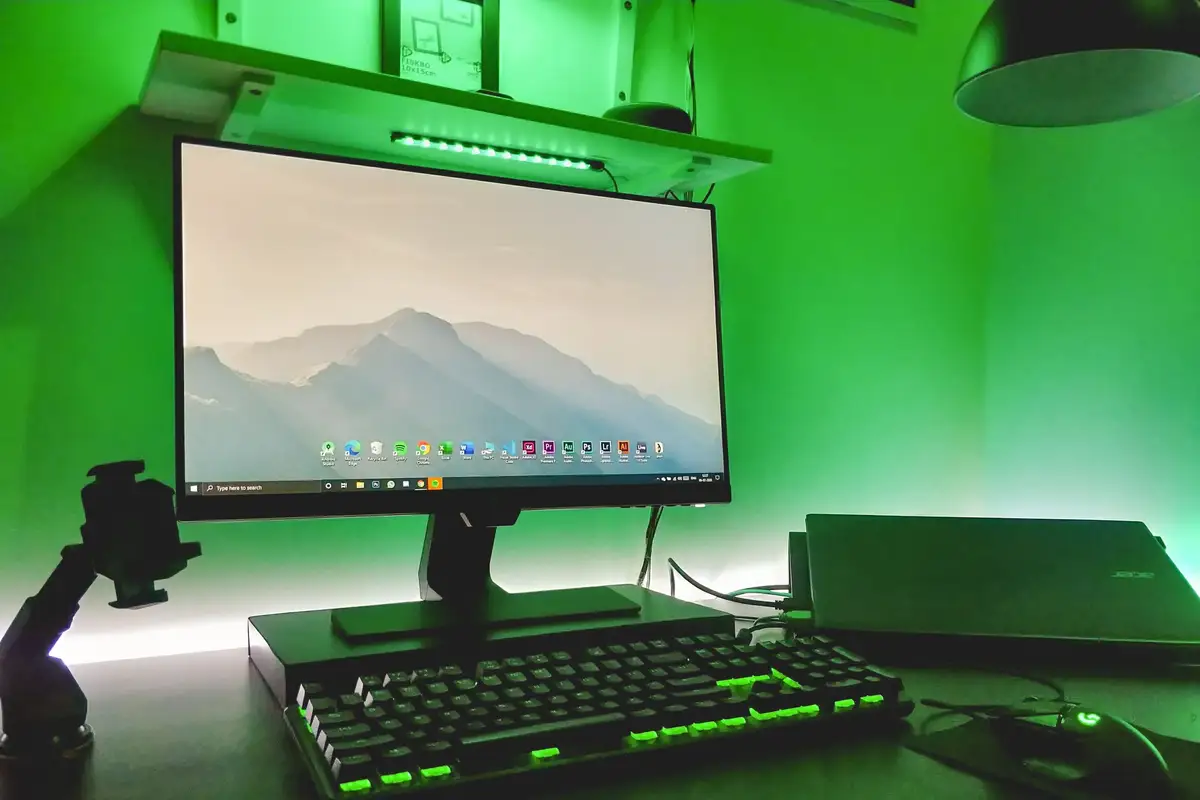
Building a gaming PC at three budgets
Where the money goes at ₹75,000, ₹1,25,000 and ₹1,80,000, and which parts are worth paying more for.
Free OS install and data transfer with every laptop · Pickup from SP Road in 2 hours
41 SP Road, Chickpet, Bengaluru 560002
Mon–Sat · 10 am – 8 pm · Sun closed
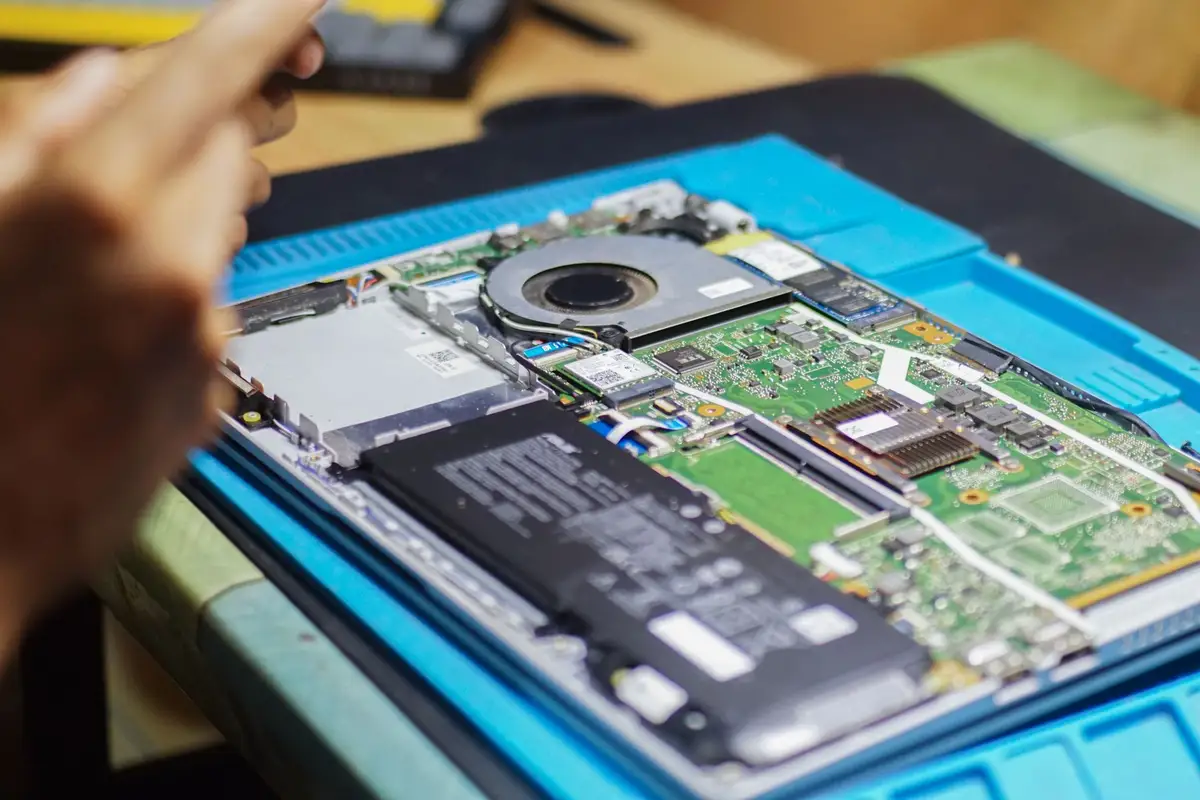
Dust, soft surfaces and old thermal paste are the usual culprits.
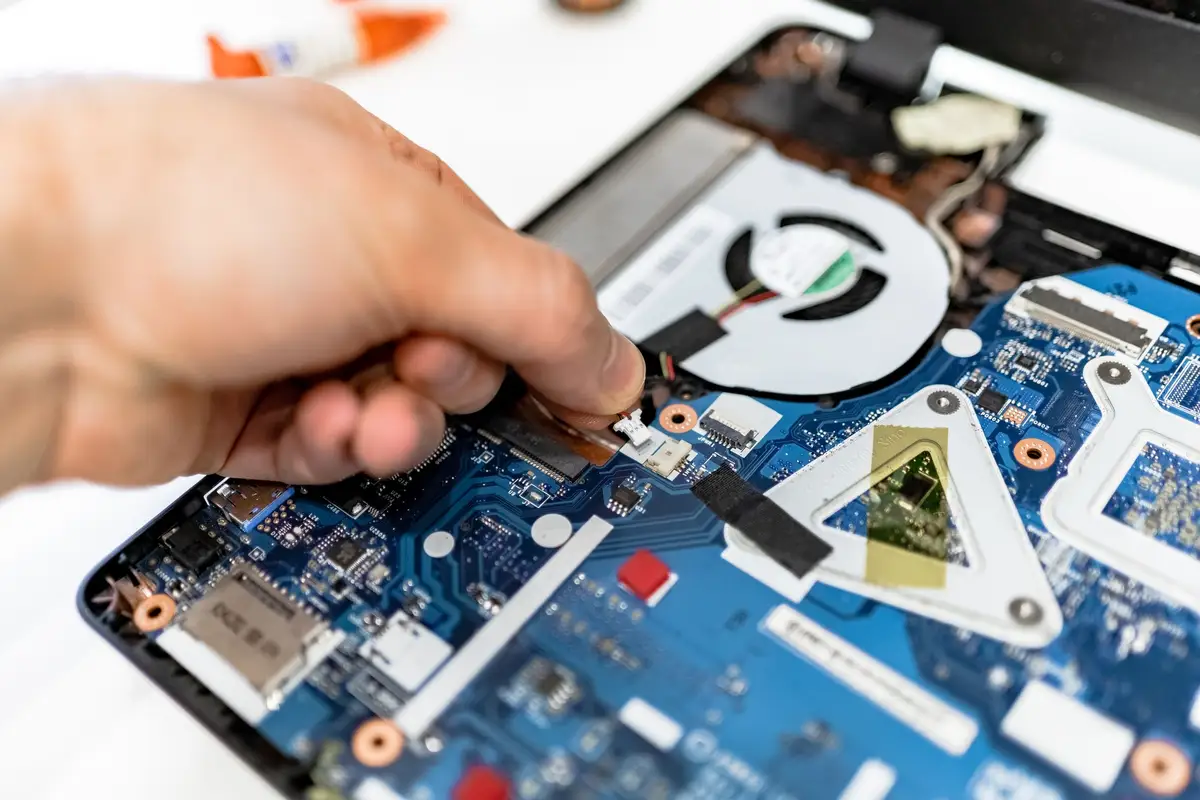
A laptop that runs hot slows itself down to protect the processor, and the fan noise is the first sign. Most of the hot laptops we open have the same three problems.
The first is dust. Fans pull air across a fine copper fin, and after a year or two that fin is felted with dust and pet hair. Blowing into the vents from outside rarely clears it; it needs to be opened and brushed out.
The second is where the laptop sits. Beds, pillows and laps block the intake vents underneath. A hard desk, or a simple stand that lifts the back by two or three centimetres, can drop temperatures by several degrees.
The third is thermal paste, the thin layer between the processor and the heatsink. It dries out over three to four years and stops carrying heat well. Replacing it is a ten-minute job once the laptop is open.
Our deep clean covers all three for ₹1,499, with a temperature reading before and after, so you can see the difference in numbers and not only in noise.
Keep reading
Where the money goes at ₹75,000, ₹1,25,000 and ₹1,80,000, and which parts are worth paying more for.
Grades, battery health and the five checks we do before a refurbished laptop goes on our shelf.
How to shop Bengaluru’s computer market without getting lost, overpaying or buying the wrong part.