Why we run a 24-hour test
Most faulty parts fail in their first day of hard use; we would rather that day happened on our bench.
Free OS install and data transfer with every laptop · Pickup from SP Road in 2 hours
41 SP Road, Chickpet, Bengaluru 560002
Mon–Sat · 10 am – 8 pm · Sun closed
For most people in 2026, 16 GB is the comfortable floor; here is when 8 or 32 makes sense.
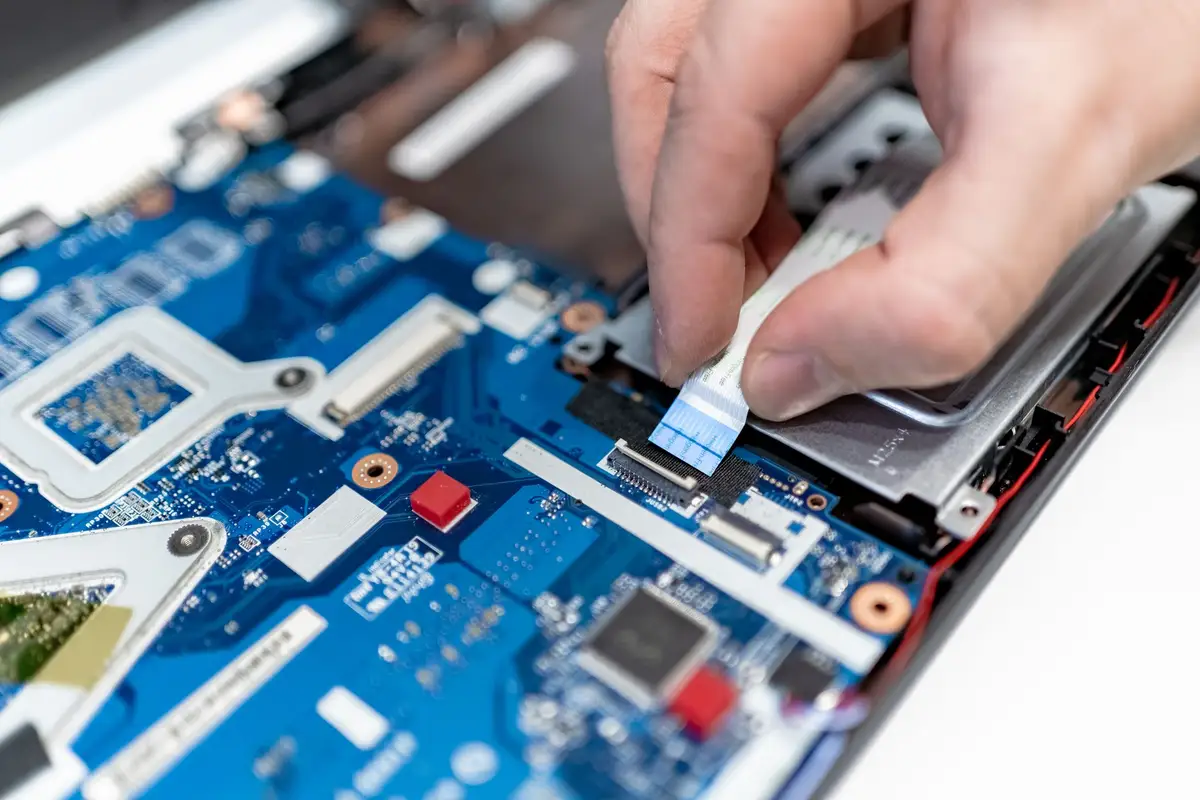
RAM is the question we hear most at the counter, and the honest answer depends on how many things you keep open at once.
For email, documents, a browser with ten tabs and video calls, 16 GB is comfortable. 8 GB still works, but browsers and video-call apps have grown, and an 8 GB laptop starts to stutter when you share your screen with a spreadsheet open. If the laptop’s RAM is soldered and cannot be upgraded later, buy 16 GB now.
Photo editing, coding with a few containers running, or large Excel models are where 32 GB starts to pay for itself. Video editing in 4K and modern games are happier with 32 GB too, though for games the graphics card matters more.
If your current laptop feels slow, check before you replace it. Open the task manager while you work: if memory sits above 85% most of the day, more RAM will help. If the disk shows 100% busy, an SSD will help more. Bring it in and we will tell you which, free of charge.
Keep reading
Most faulty parts fail in their first day of hard use; we would rather that day happened on our bench.
Dust, soft surfaces and old thermal paste are the usual culprits.
Where the money goes at ₹75,000, ₹1,25,000 and ₹1,80,000, and which parts are worth paying more for.