Shopping for a phone in Ameerpet: a practical guide
Metro, parking, the quieter hours and what to bring when you come to buy or repair a phone in Ameerpet.
Same-day delivery across Hyderabad · No-cost EMI on phones above ₹10,000
7-1-28 Ameerpet Main Road, Ameerpet, Hyderabad 500016
Mon–Sun · 10 am – 9.30 pm
Contacts, WhatsApp chats, photos and apps: what our free data transfer includes and how long it takes.
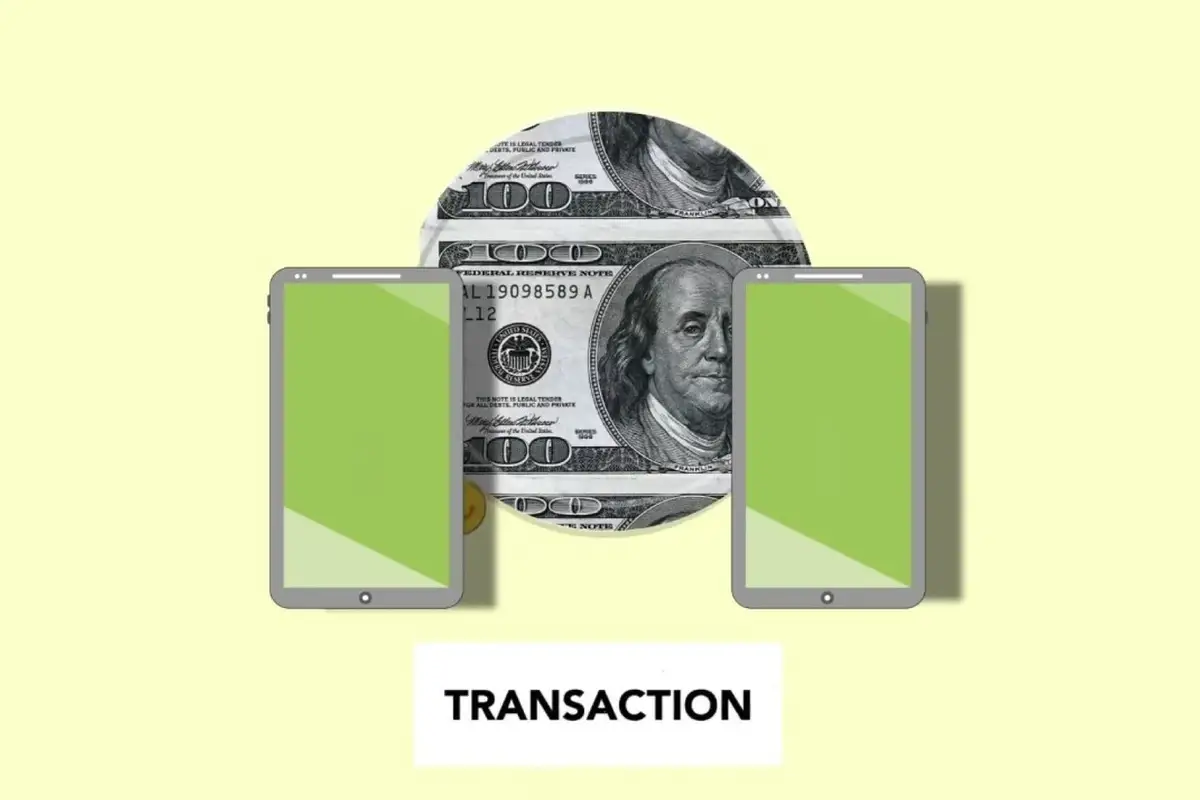
Every phone we sell comes with free data transfer, and it is the part of the visit most customers worry about. Losing years of photos and chats is a real fear. Here is exactly what happens at our counter.
First, we check what you want to move and how much there is. Most people need contacts, photos and videos, WhatsApp chats and their apps. On your old phone, we confirm that your Google or phone account is signed in and backed up, and make a fresh WhatsApp backup to the account. For a phone with 60 GB of photos, this backup alone can take 20 to 40 minutes on our shop Wi-Fi, so we start it while you choose a case.
Then we set up the new phone with you, using the maker’s own transfer tool, which connects the two phones with a cable or over Wi-Fi. Contacts, messages, call history, photos and most settings come across directly. Apps are downloaded again from the store. WhatsApp chats are restored from the backup when you sign in with your number; you need your old phone nearby for the verification code. Banking and UPI apps always need to be set up again by you, with your own PIN; we never ask for those.
Before you leave, we open your gallery, WhatsApp and contacts together to check everything has arrived. Only then, and only if you ask, do we wipe the old phone with a full factory reset in front of you. The whole process usually takes 45 minutes to an hour.
Keep reading
Metro, parking, the quieter hours and what to bring when you come to buy or repair a phone in Ameerpet.
What a poor charger can and cannot do, and how to choose a safe replacement without paying for a brand.
Model, screen, battery and box: what we check in ten minutes, and how to get a fair exchange price.