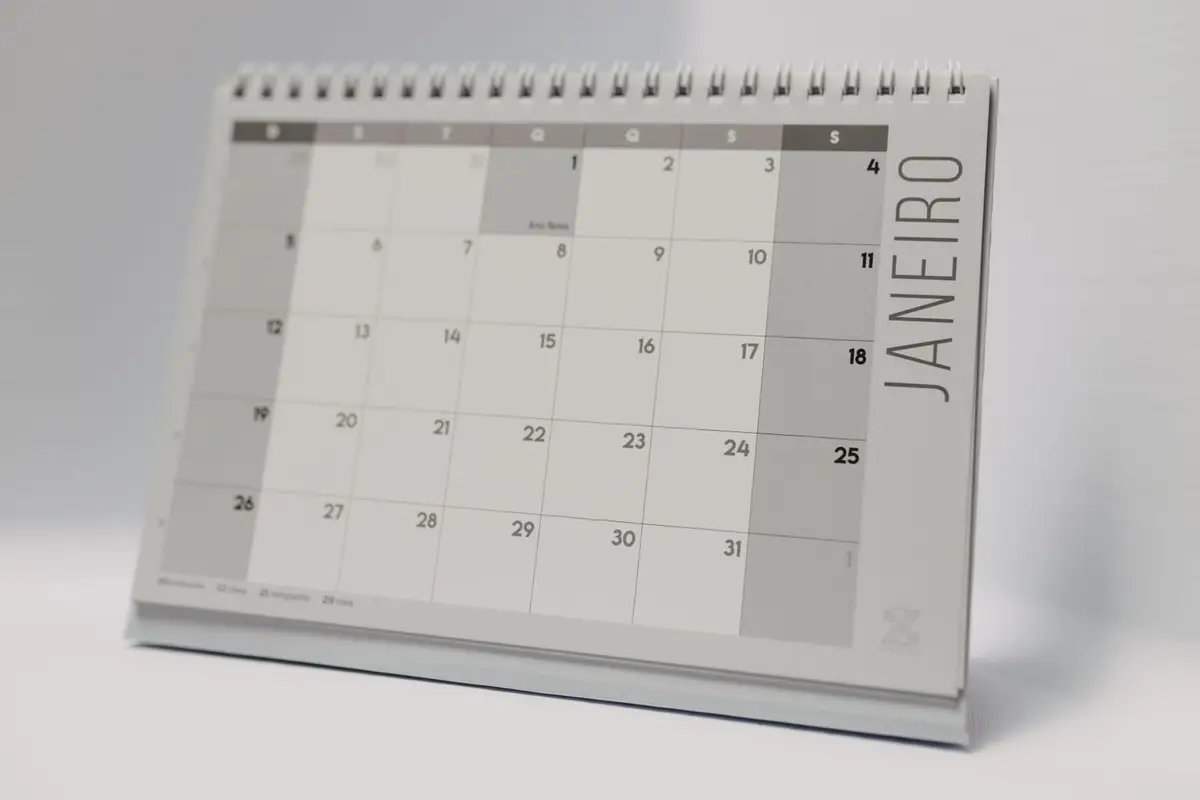
Planning a 2027 calendar for your business
Formats, paper and timing: how to get calendars to customers before the new year.
Booking 2027 calendar and diary runs now · Proofs in 24 hours
22 Velayudham Road, Sivakasi 626123
Mon–Sat · 9 am – 7 pm · Presses run 24 hours
Bleed, CMYK, fonts and resolution: four checks that prevent most reprints.

Most print problems start with the file. Four simple checks will avoid nearly all of them.
First, bleed. Any colour or image that runs to the edge of the page must extend 3 mm beyond it, because sheets are trimmed after printing. Keep text and logos at least 5 mm inside the trim line.
Second, colour. Screens show colour in RGB; presses print in CMYK. Convert your file to CMYK before sending, and expect bright blues and greens to look slightly duller on paper. For brand colours, give us the Pantone reference.
Third, fonts. Embed all fonts in the PDF or convert text to outlines. A missing font is replaced automatically, and the result is rarely what you intended.
Fourth, images. Photographs should be 300 dpi at the size they will be printed. An image taken from a website will look sharp on screen and blurred on paper. If in doubt, send the file early; our prepress team checks every file free.
Keep reading
Formats, paper and timing: how to get calendars to customers before the new year.
Paper, printing, foil, envelopes and inserts: a line-by-line costing for a typical South Indian wedding card.
What the numbers on a paper quote mean, and which stock suits cards, brochures, books and calendars.